

Download Acapella Maker – acapella maker, video collage maker, create acapella videos, music video maker, video editing app, android app
Overview
The Acapella Maker is a creative video editing application designed to enable users to produce multi-part vocal performances—commonly known as acapella videos—by combining individual audio and video recordings. The software allows users to layer multiple vocal tracks into a single, synchronized performance, eliminating the need for backing singers or complex studio setups. This makes it a practical tool for individuals who want to create rich, harmonized musical compositions from personal recordings.
It is particularly useful for personal celebrations such as weddings, birthdays, anniversaries, and other milestone events, where personalized video messages or musical tributes are desired. The app also supports spontaneous content creation, allowing users to record on the spot or upload existing clips. Its core purpose lies in simplifying the process of assembling a cohesive video collage that features multiple vocal parts, making music-based storytelling accessible to users of all skill levels.
Targeted at casual creators, families, educators, and students, the software is designed for ease of use and immediate engagement. It does not require prior experience in audio editing or video production. The developer, Acapella Maker, positions the app as a fun, inclusive tool for people of all ages to express themselves through music and video. The app is available exclusively on Android devices, supporting version 4.2 and above.
Key Features & Capabilities
- Multi-Track Vocal Compilation – Users can layer multiple vocal recordings into a single synchronized video, simulating a full choir or ensemble performance.
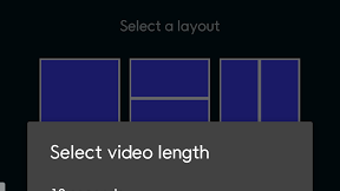
- Flexible Video Layout Options – The app provides various visual layouts to arrange individual video clips, allowing for creative presentation of each vocal part.
- On-the-Spot Recording – Users can record vocal tracks directly within the app, eliminating the need to prepare clips externally.
- Customizable Video Duration – Clips can be set to play between 10 seconds and one minute, offering flexibility for short, impactful messages or longer performances.
- Easy Sharing and Export – Once compiled, videos can be shared directly via social media, messaging apps, or saved locally for later use.
These features support a wide range of real-world applications. For example, a family might record individual voices singing a birthday song, then combine them into a heartfelt acapella tribute. Teachers can use the app to create group projects where students contribute vocal parts to a class performance. Parents may record children singing a lullaby or a favorite song to create a keepsake video. The app streamlines the process from recording to final output, reducing technical barriers for non-professionals.
User Interface, Workflow & Performance
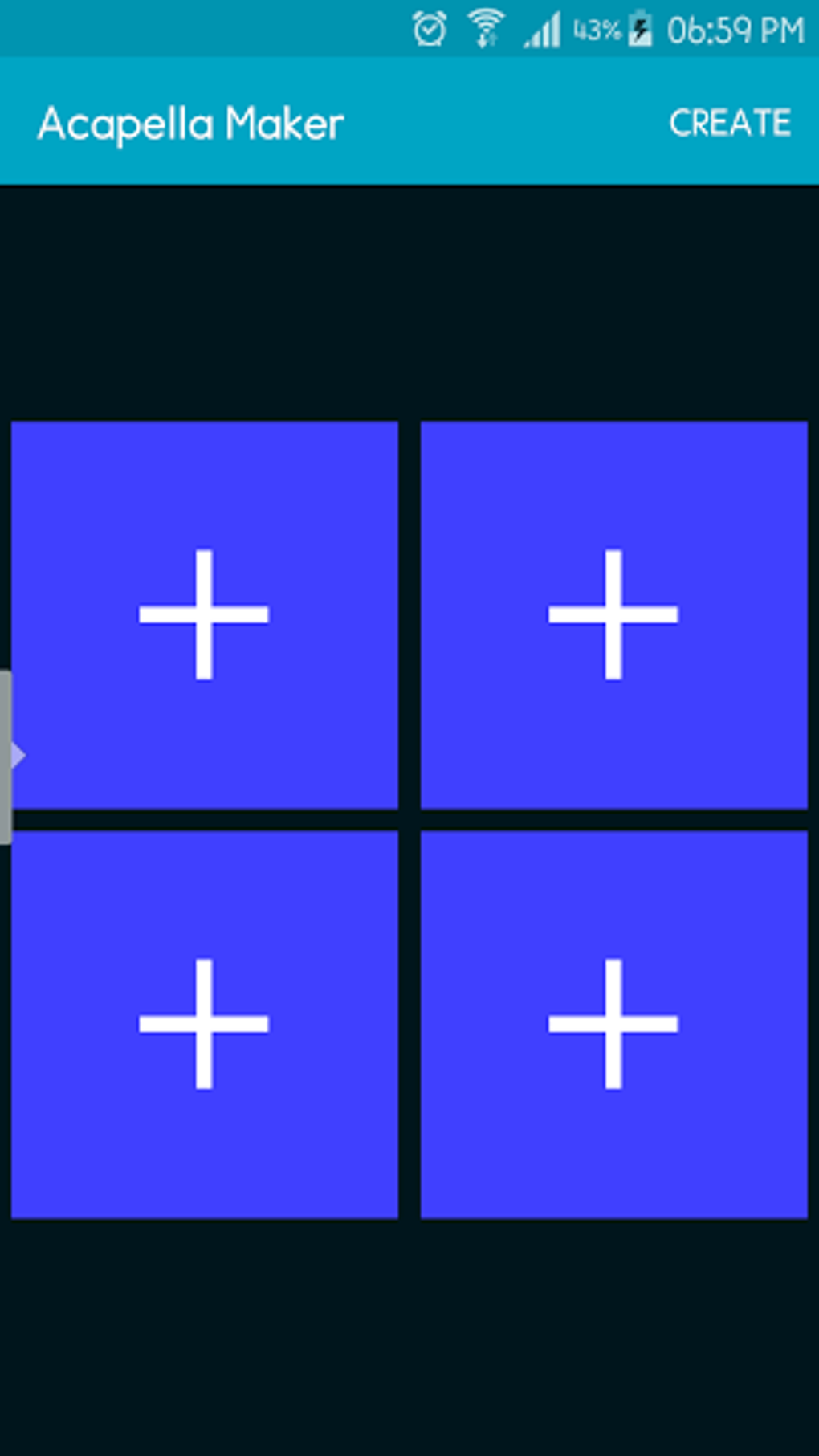
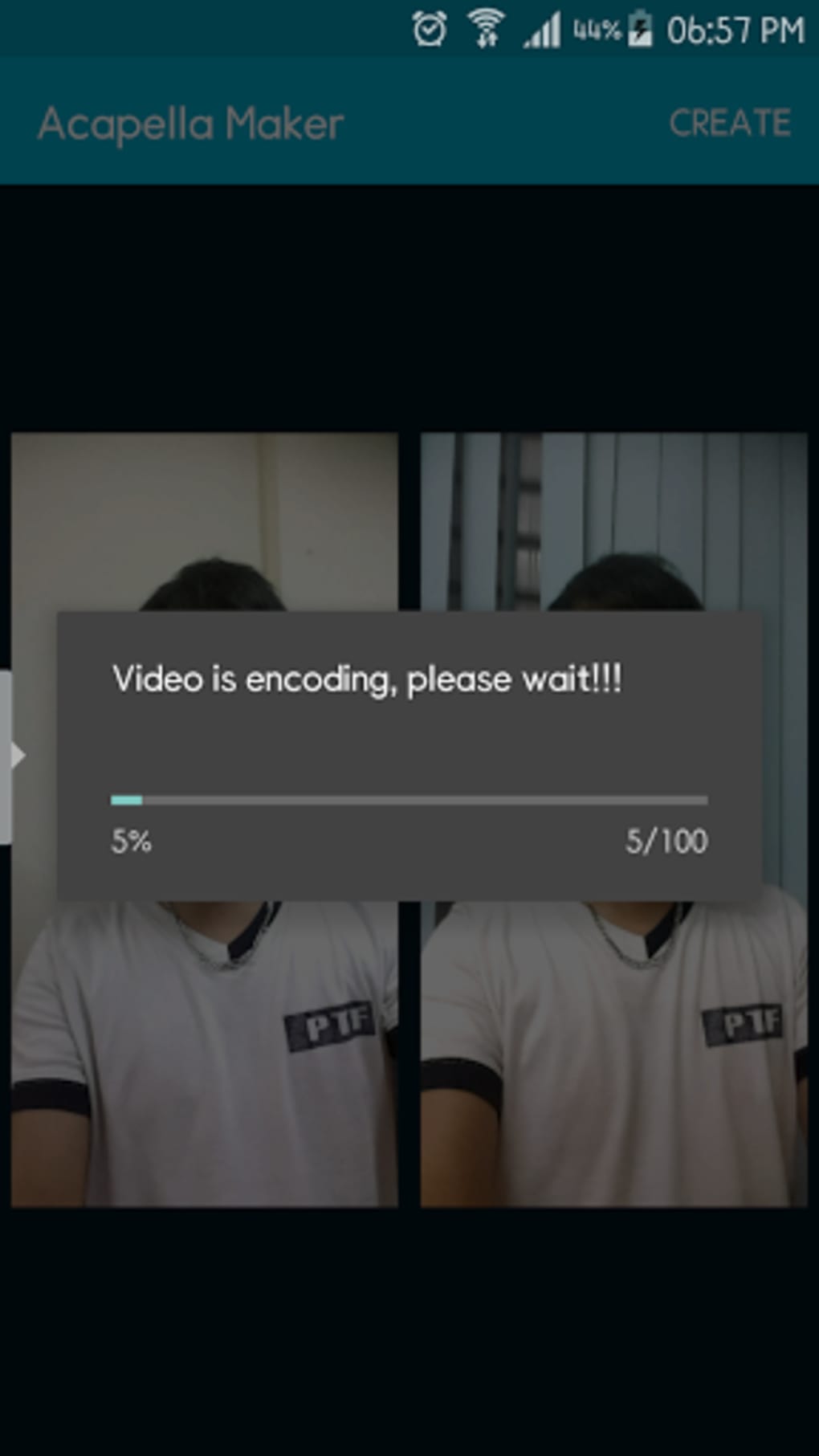
The user interface of Acapella Maker is designed around a streamlined, step-by-step workflow. The app guides users through three main actions: selecting a layout, filling the collage with videos, and combining and sharing the final product. This structure supports intuitive navigation, minimizing the learning curve for new users.
Navigation is likely optimized for touch-based interaction, given its Android platform focus. The layout selection screen probably displays visual previews of different arrangements, allowing users to choose the most suitable format for their content. The recording interface appears to be accessible from within the app, enabling seamless transitions between recording and editing.
Performance details were not specified by the developer. However, based on general behavior of similar lightweight Android applications, the app likely operates efficiently on devices meeting the minimum OS requirement. The 15.8 MB installation size suggests a compact footprint, which may contribute to faster load times and lower memory usage. The developer did not provide additional system requirements or information about CPU or RAM consumption.
Compatibility & System Requirements
Acapella Maker is designed for Android operating systems, with support confirmed for version 4.2 and above. This ensures compatibility with a wide range of older and mid-tier devices, making it accessible to users with varying hardware capabilities.
The app has a file size of 15.8 MB, which is relatively small and suitable for devices with limited storage space. This compact size may also contribute to faster download and installation times. However, exact hardware requirements such as RAM, processor speed, or GPU specifications were not listed by the developer.
Compatibility information was partially provided. While the OS version is confirmed, the app’s behavior on devices with lower screen resolutions or limited processing power remains unspecified. The developer did not indicate whether the app supports external storage, cloud sync, or background processing.
Pros and Cons
Pros
- Simple, intuitive workflow ideal for beginners and non-technical users.
- Supports both recording and uploading of video clips.
- Offers customizable video duration (10 seconds to 1 minute).
- Compact size (15.8 MB) suitable for devices with limited storage.
- Designed for creative expression across personal and educational use cases.
Cons
- Available only on Android, limiting accessibility for iOS or desktop users.
- No information provided on advanced editing features or audio mixing controls.
- Exact performance and resource usage details were not specified.
- Limited to video-based vocal collages; no support for standalone audio acapella creation.
- Price point of $1.99 may be considered high for a basic video collage tool.
FAQ Section
Is Acapella Maker available for iOS devices?
Currently, Acapella Maker is only available for Android devices. There is no official version for iOS platforms.
Can I use Acapella Maker without an internet connection?
Yes, the app functions entirely offline once installed. All recording, editing, and sharing features can be used without requiring an internet connection.
How often are updates released for Acapella Maker?
The developer has not provided information on update frequency. Users are advised to check the app store for new versions.
What type of license does Acapella Maker use?
Acapella Maker is a paid application with a one-time purchase model. It does not require a subscription or recurring payment.
Can I edit my acapella video after it’s been created?
The app allows users to re-edit and re-export videos, though the specific editing capabilities post-creation were not detailed by the developer.
Final Thoughts + CTA
Acapella Maker delivers a focused, user-friendly solution for creating multi-part vocal videos on Android. Its simple three-step process, combined with on-the-spot recording and customizable timing, makes it ideal for users seeking to produce creative, memorable videos for personal or educational use. While it lacks advanced editing tools and is limited to Android, its compact size and clear purpose set it apart from generic video editors.
For families, teachers, students, and music enthusiasts who value quick, fun, and expressive content creation, Acapella Maker offers a practical and engaging experience. Despite the absence of detailed technical specs, the app’s design prioritizes accessibility and creativity over complexity.
Download Acapella Maker now






.png)
